An ERP implementation checklist helps Malaysian SMEs prepare for a smoother transition from spreadsheets and disconnected business applications to a centralised Enterprise Resource Planning (ERP) system. While selecting the right software is important, successful implementation also depends on accurate data, employee preparation and clearly defined business processes.
Without a proper ERP implementation checklist, businesses may encounter duplicate customer records, incorrect opening stock quantities, incomplete system configurations or employees who are unsure how to complete daily transactions. This guide explains nine essential steps for Malaysian SMEs, from initial planning and data preparation to user acceptance testing and post-launch support.
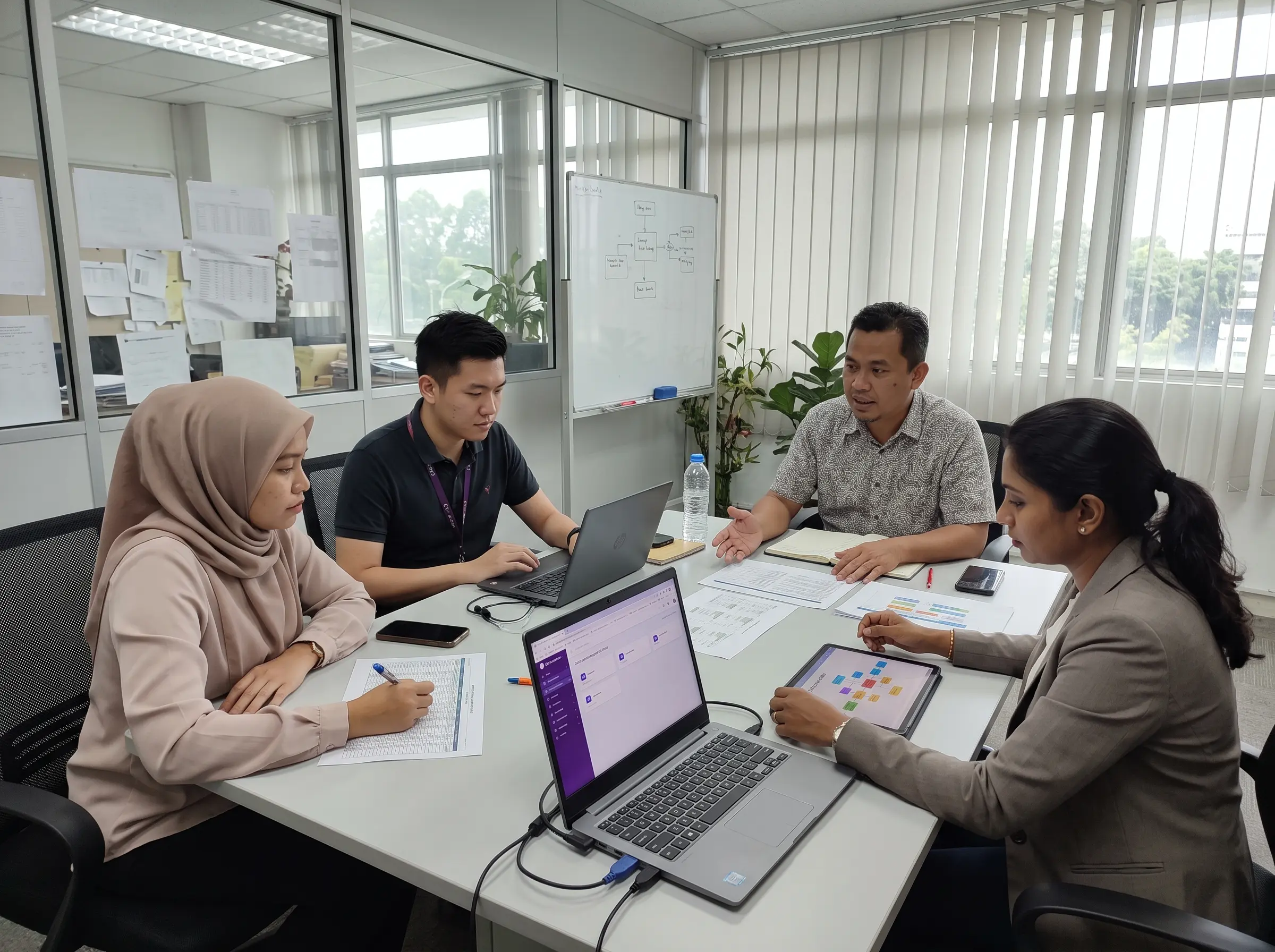
What Is ERP Implementation?
ERP implementation is the process of preparing, configuring, testing and introducing an ERP platform into a company’s daily operations. It involves more than creating a user account and entering business information. Employees must understand how customer records, sales transactions, purchasing activities, inventory movements and financial processes will operate within the new system.
For example, a Malaysian trading company may currently manage quotations using Microsoft Excel, prepare invoices separately and maintain warehouse stock through another spreadsheet. Moving to ERP requires the company to decide how these activities should connect, which departments will be responsible and how existing data will be transferred.
A practical ERP implementation checklist gives the business a structured plan to follow before the new platform becomes the main system for daily transactions.
9 Essential Steps in an ERP Implementation Checklist
1. Define Your Business Goals and Implementation Scope
The first step is identifying what the business expects to achieve through ERP implementation. Common objectives include reducing repeated data entry, improving stock visibility, organising purchase orders and providing management with clearer business reports.
List the departments and workflows that will be included in the initial implementation. A small company may begin with Sales, Purchase, Inventory and Accounting before introducing additional modules as its requirements develop.
Keep the first phase focused on important operational needs. Introducing too many changes simultaneously can make it harder for employees to learn the new procedures and identify problems.
2. Assign an ERP Project Owner and Department Representatives
An ERP project needs clear ownership. Appoint an internal coordinator who can communicate with the software provider, organise implementation activities and monitor unresolved issues.
Each affected department should also nominate a representative. For example, the sales executive can confirm quotation requirements, the warehouse representative can review stock movements, and the finance manager can verify invoice and accounting procedures.
Your ERP implementation checklist should identify who prepares data, who approves configuration decisions, who conducts testing and who authorises the final go-live. Clear responsibilities help prevent important tasks from being overlooked.
3. Confirm ERP Modules, Subscription and User Access
Before configuring the system, confirm which ERP modules are included in the selected subscription. Not every plan provides the same operational features, reporting capabilities or staff-user limits.
Calculate the number of employees who need access across departments. Some employees may require permission to create transactions, while others only need to review records or approve documents.
When using BizCore, businesses should review the selected plan’s staff-user range and available modules. The platform publishes Standard, Professional and Premium subscriptions, with different features and support arrangements. Confirm any optional migration or training charges before implementation.
4. Prepare Customer, Supplier and Inventory Data
Data preparation is one of the most important parts of ERP implementation. Businesses should review existing customer accounts, supplier contacts, product information and inventory records before attempting to transfer them.
Remove duplicate entries, verify company information, standardise product codes and identify missing values. For inventory, ensure that stock quantities are checked against physical stock records rather than relying on potentially outdated spreadsheets.
BizCore provides a CSV import function for customer accounts and an Excel-based import function for product items. The Accounts Import documentation also describes a Simulate Import option for identifying invalid data before completing the upload.
Important Data Migration Tip
Product master data and opening inventory quantities are not the same. Confirm the correct stock-opening and valuation procedures with the ERP provider. Importing a product catalogue should not be assumed to automatically establish the correct warehouse stock balance.
A reliable ERP implementation checklist should also require secure backups of the original data and validation of a small sample import before the entire database is transferred.
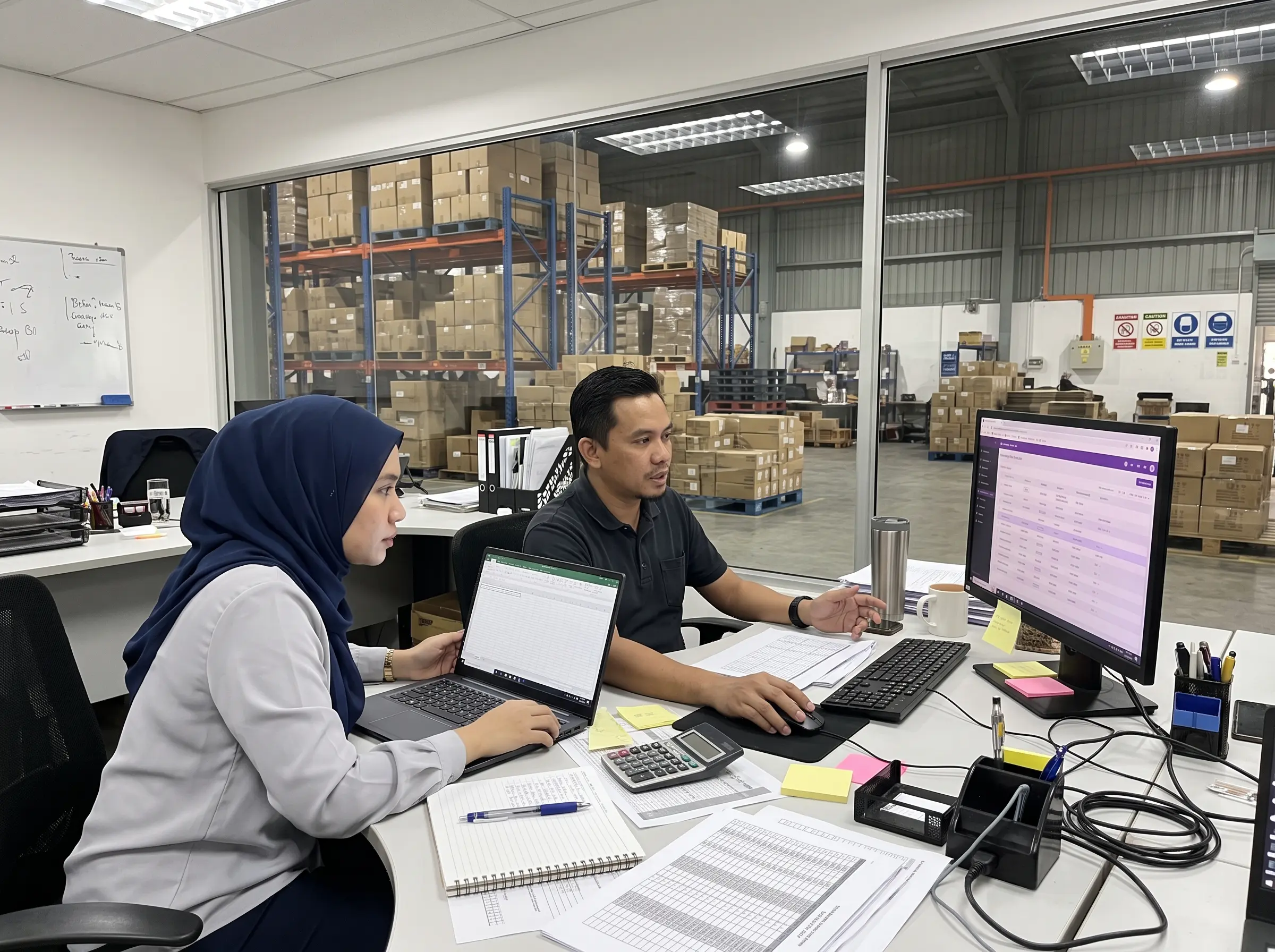
5. Configure Company Settings and Approval Workflows
After preparing the necessary information, configure the ERP according to your company’s operational requirements. Review company details, currency settings, document numbering, tax configurations, warehouses and employee access permissions.
Purchasing and inventory processes may also require approval procedures. For example, the company should decide who is authorised to approve purchase orders, record received goods, adjust stock quantities and issue invoices.
For Malaysian businesses using LHDN MyInvois, review the required company information and available e-Invoice configuration. The need to submit e-Invoices depends on the applicable rules and the business’s circumstances. Integration should be tested before processing live documents.
Document these decisions in the ERP implementation checklist so the implementation team can verify that relevant settings are complete before testing begins.
6. Test Complete Sales and Purchasing Transactions
A successful login does not mean the ERP is ready for daily operations. The company should test the actual transactions employees will perform, using realistic customer, supplier and product information.
For the sales department, test the process from customer account creation to quotation, invoice preparation and payment recording. Confirm that the information is accurate at each stage and that the required documents can be reviewed by authorised employees.
For procurement and inventory, test purchase requests, purchase orders, goods receiving and stock movement records according to the configured workflow. Investigate any differences between expected stock quantities and system results.
The ERP implementation checklist should record whether each test passed, which employee verified the result and what corrective action is needed for any unsuccessful transactions.
7. Conduct Staff Training and User Acceptance Testing
Employees need practical training based on their responsibilities. A sales executive should understand customer account and quotation workflows, while finance employees should be comfortable with invoice and payment records.
User Acceptance Testing, or UAT, allows the employees who will use the platform to confirm that it supports their everyday tasks. Testing should include both straightforward transactions and situations such as partial payments, incorrect entries or rejected approvals.
Ask each department to document unresolved issues and confirm which workflows are ready for production. Training and UAT should be treated as practical business activities, not simply as a demonstration of software features.
8. Prepare the Go-Live and Data Cutover Plan
Go-live is the stage when the ERP becomes the main system for selected business operations. Before reaching this point, the company should establish a cutover plan explaining when old records stop being updated and when the new platform starts processing live transactions.
Confirm final customer and supplier information, opening inventory quantities, outstanding invoices and any accounting balances that are included in the migration scope. Finance and operations managers should verify the relevant totals before approving the transition.
For practical guidance, the Microsoft Dynamics 365 go-live checklist recommends validating migrated data, completing user acceptance testing, preparing support arrangements and obtaining stakeholder approval before deployment.
Include a clear decision on whether the system is ready to go live. If critical stock, billing or access issues remain unresolved, management should review the risks before proceeding.
9. Monitor Operations and Provide Post-Launch Support
ERP implementation does not end on the first day of live operation. Employees may discover practical questions or workflow issues after processing real business transactions.
During the initial period, monitor key activities such as quotation creation, invoice processing, stock receiving, delivery orders and payment recording. Ask department representatives to report issues and assign responsible employees to follow up on necessary corrections.
A useful ERP implementation checklist should also include a post-launch review. Compare actual operations against the objectives identified during planning and provide additional training where employees still require assistance.

Sample ERP Implementation Timeline for Malaysian SMEs
The following four-week timeline is an illustrative planning example for a smaller implementation with limited customisation. Actual timelines depend on data quality, the number of modules, integrations, business complexity and staff availability.
| Period | Main Activities | Expected Output |
|---|---|---|
| Week 1 | Requirements, team responsibilities, data review | Approved scope and data preparation plan |
| Week 2 | System settings, user access, sample data import | Configured test environment |
| Week 3 | Workflow testing, employee training, UAT | Documented testing results and issue resolution |
| Week 4 | Final data verification, cutover, go-live support | Operational system, subject to readiness approval |
Common ERP Implementation Mistakes to Avoid
Even with a good ERP implementation checklist, businesses may encounter avoidable difficulties when planning is rushed. The following problems deserve attention before go-live.
- Migrating unclean records: Duplicate customers, incorrect product codes and incomplete information create problems in the new system.
- Skipping realistic testing: Employees may discover invoice, purchasing or inventory issues only after live transactions begin.
- Giving unnecessary system access: Employee permissions should follow operational responsibilities.
- Insufficient staff training: Users may return to old spreadsheets when they are unsure how the new workflow operates.
- No post-launch ownership: Problems may remain unresolved without a designated internal coordinator and support process.
How BizCore Supports ERP Implementation for Malaysian SMEs
BizCore is a cloud ERP platform designed for Malaysian businesses. It provides connected business modules such as Sales, Purchase, Inventory and Accounting, alongside other operational tools depending on the selected subscription.
For businesses preparing their ERP implementation checklist, BizCore provides documented customer account and product import functions. These can support the creation of business master records without entering every account or item individually.
BizCore’s pricing information also lists a 60-day free trial, allowing businesses to evaluate available features in their selected plan. Its support options include local assistance, while specialised services such as advanced data migration or custom training may require a separate quotation.
Businesses should use the trial period to test realistic workflows, check data requirements and confirm whether the system fits their operational needs. Complex implementations may require a longer, separately agreed project schedule.
Explore BizCore ERP Features, review the Customer Account Import Guide, read the Product Import Instructions or compare the available BizCore ERP plans.
Start Your ERP Journey with BizCore
Explore a connected business management platform for your sales, purchasing, inventory and accounting workflows.
Final Thoughts
A practical ERP implementation checklist helps Malaysian SMEs approach digital transformation with clearer expectations and responsibilities. Instead of focusing only on software features, businesses should prepare accurate data, involve the relevant departments and confirm that important transactions work as expected.
By following the nine steps outlined above, businesses can create a more structured implementation process and reduce avoidable disruption. The goal is not simply to launch a new ERP system, but to establish reliable workflows that employees can continue using as the organisation grows.